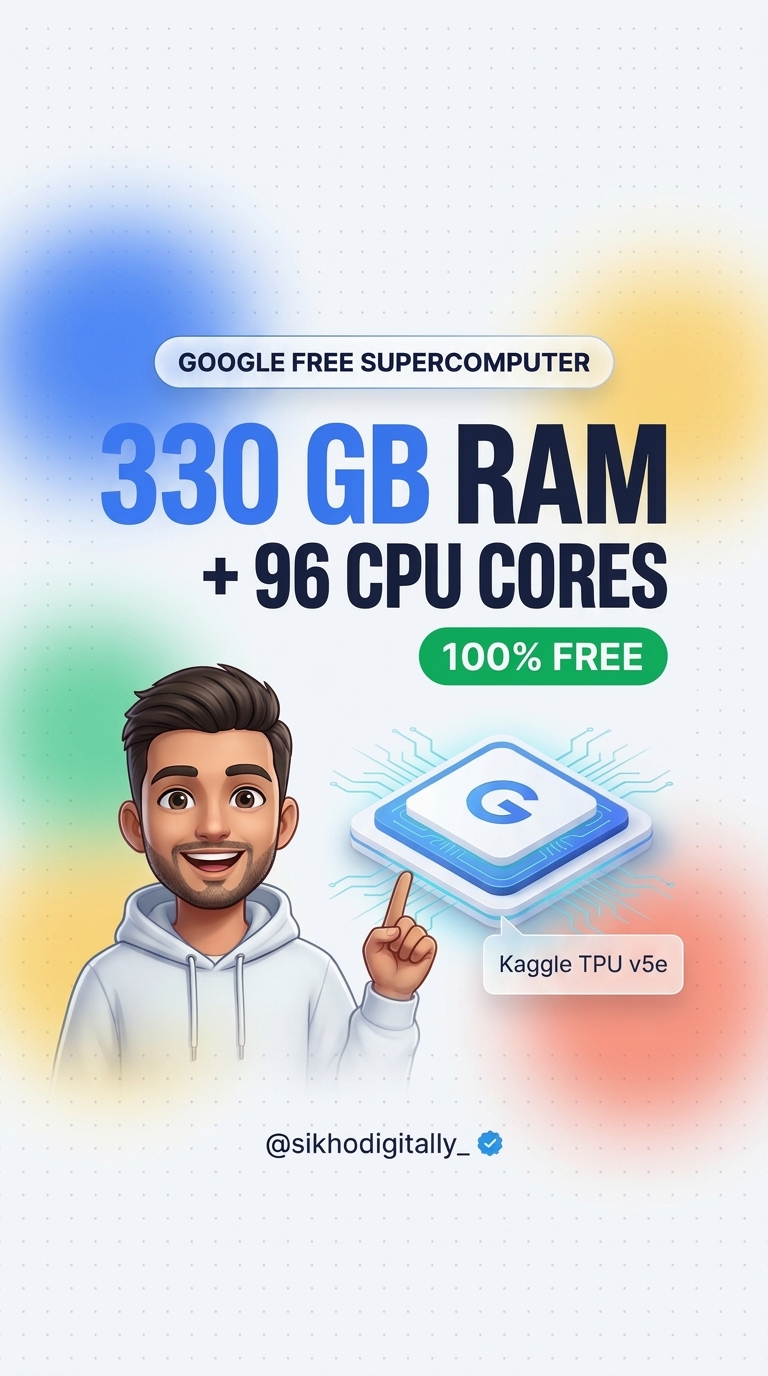
How to Get Google’s Free 330 GB RAM and 96 CPU Cores Supercomputer (Kaggle TPU Setup Guide)
November 19, 2026 · by admin
If your laptop freezes every time you run a heavy Python script, train a machine learning model, or open a massive dataset, you do not need to buy a ₹1.5 Lakh workstation. Google quietly gives everyone free access to a cloud supercomputer with 330 GB of RAM, 96 CPU cores, and 8 TPU v5e AI accelerator cores—at $0 cost and with no credit card required.
In this step-by-step guide, you will learn exactly how to unlock Google’s free 330 GB RAM TPU virtual machine on Kaggle, verify the hardware in 60 seconds, and start running heavy AI and data science workloads directly from your browser.
What Is Google’s Free 330 GB RAM TPU on Kaggle?
Kaggle (owned by Google) provides free cloud notebooks for developers, students, and AI researchers. While most people only know about its free T4/P100 GPUs, Kaggle also offers Google Cloud TPU VMs (such as TPU VM v3-8 and TPU v5e-8). Unlike a standard 8 GB or 16 GB laptop, a Kaggle TPU VM gives you nearly 20× more system memory and server-grade multi-core CPU power.
Specification
Normal Laptop
Google Free Kaggle TPU VM
System RAM
8 GB – 16 GB
~330 GB RAM
CPU Cores
4 – 8 Cores
96 CPU Cores
AI Accelerator
None / Integrated GPU
8× Google TPU Cores
Cost
₹60,000 – ₹1,50,000
₹0 (100% Free)
Credit Card Required?
Yes (or Cloud Billing)
No Credit Card Needed
Weekly Free Quota
Unlimited (Limited Hardware)
20 – 30 Hours / Week
Step-by-Step Setup: How to Activate 330 GB RAM on Kaggle
Follow these 5 simple steps to launch your free supercomputer in under 2 minutes:
You will immediately see ~330 GiB total memory, 96 CPU threads, and 8 TPU cores ready for action.
Best Things You Can Build With 330 GB RAM & 96 Cores
Fine-Tuning Open-Source LLMs: Train and fine-tune models like Gemma, Llama, or Mistral using JAX, Flax, or PyTorch/XLA without hitting Out-Of-Memory (OOM) errors.
Massive Data Processing: Load multi-gigabyte CSV or Parquet files directly into memory using Pandas, Polars, or DuckDB in seconds.
Deep Learning & Computer Vision: Train image classification, segmentation, and audio models dramatically faster than on standard consumer GPUs.
Heavy Parallel Python Scripts: Run simulations, web-scale data cleaning, or CPU-intensive benchmarks across 96 cores simultaneously.
Important Limits & Pro Tips to Save Your Quota
Weekly Limit: Kaggle gives 20 to 30 hours of free TPU time per week (the quota resets automatically every week).
Stop Idle Sessions: Always click Stop Session (power icon) when you finish working so you do not waste your weekly hours.
Session Timeout: Interactive sessions stay alive for up to 9 hours continuously. Save your trained weights or processed files to /kaggle/working/ or push them to Hugging Face / Google Drive before closing.
Frequently Asked Questions (FAQ)
Is Google’s Kaggle TPU really 100% free?
Yes. Kaggle is owned by Google and provides 20–30 hours of free TPU usage every week to every phone-verified account with zero credit card required.
Can I use Kaggle TPU on a low-end laptop or even a phone?
Yes! Everything runs inside Google’s cloud servers. Your laptop or tablet only displays the browser interface, so even a 4 GB RAM Chromebook can control 330 GB of cloud RAM.
Do I need to install anything on my PC?
No installation is needed. Python, PyTorch, TensorFlow, and JAX come pre-installed inside the Kaggle Notebook environment.
Want more practical AI and tech guides in simple language? Follow @sikhodigitally_ on Instagram and bookmark SikhoDigitally.com!
Exclusive Community
To make money online, join our WhatsApp group
AI apps, prompts aur daily monetization strategies seekhne ke liye hamara active WhatsApp group join karein.